00. Application Login Manual
Last modified by Karel FOJTÍK on 2023/05/30 10:06
- To log in to the application, open your web browser and enter the following URL: labscheduler.imtm.cz
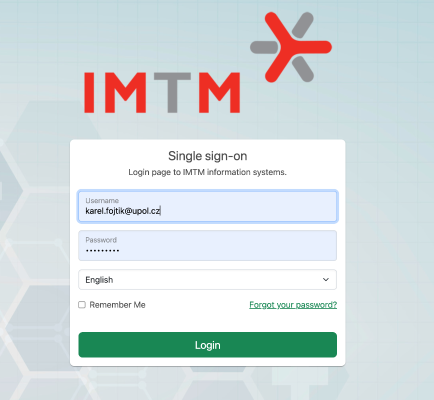
- To log in to the Central Authentication System (CAS), enter your username/email and password on the login page and click "Login."
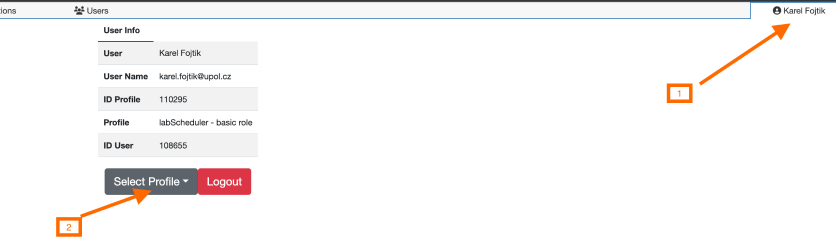
- (In case you have more than one profile in CAS) To choose the correct profile, select the desired profile from the available options after logging in, through a drop-down menu.